
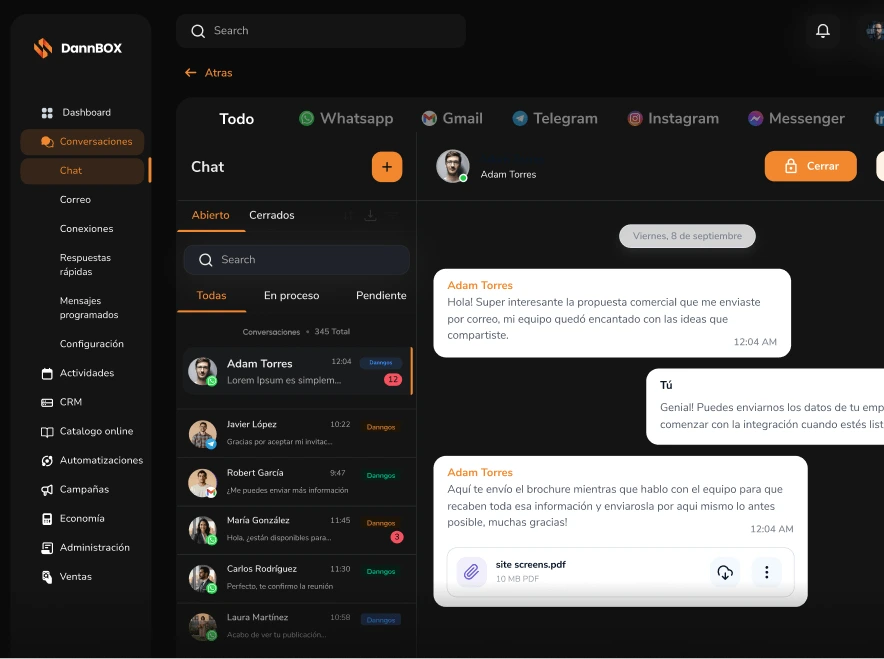
Manage appointments
without losing control
Schedule meetings, organize tasks and track every client from a calendar connected directly to your CRM.
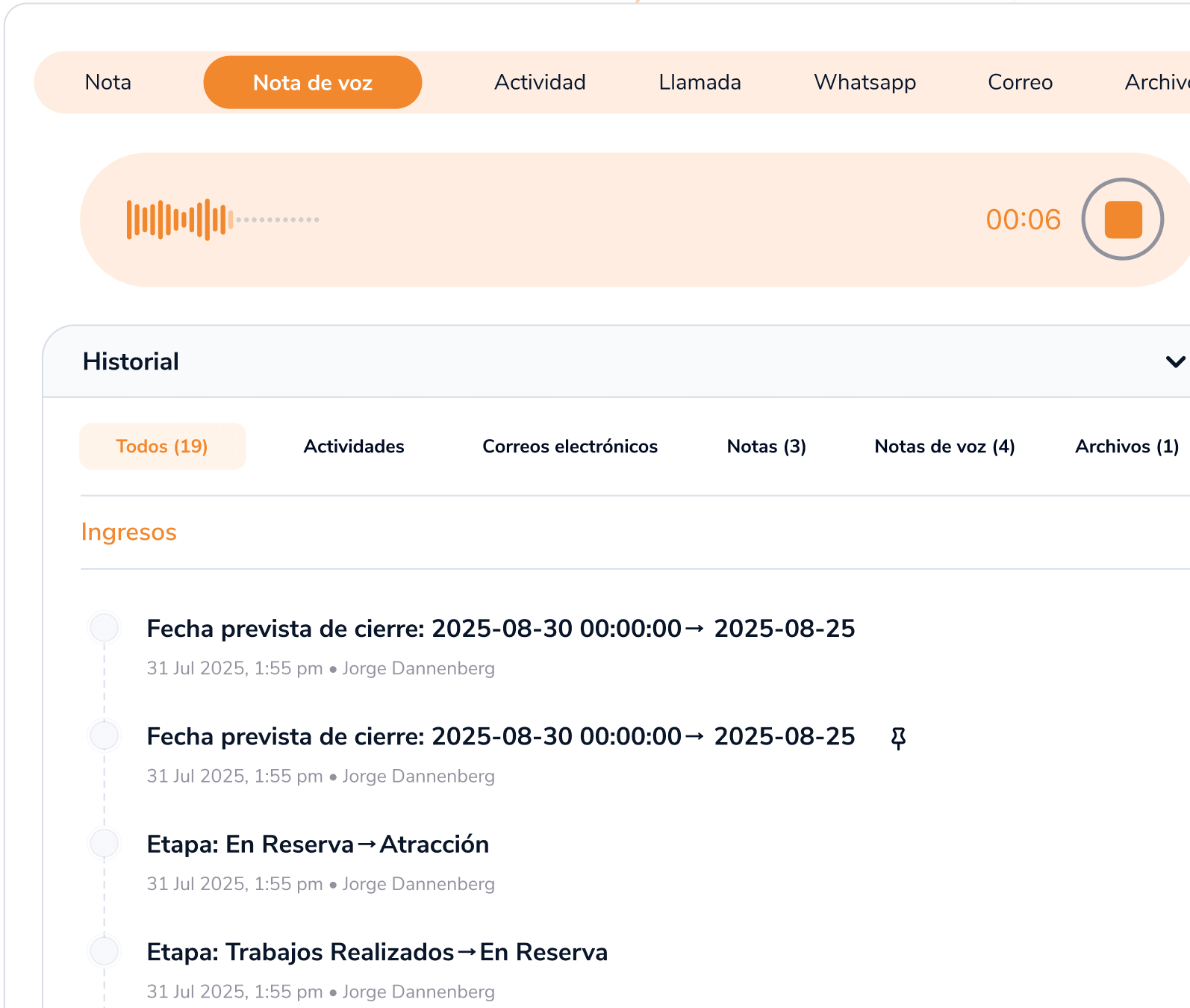
Your commercial agenda,
always up to date
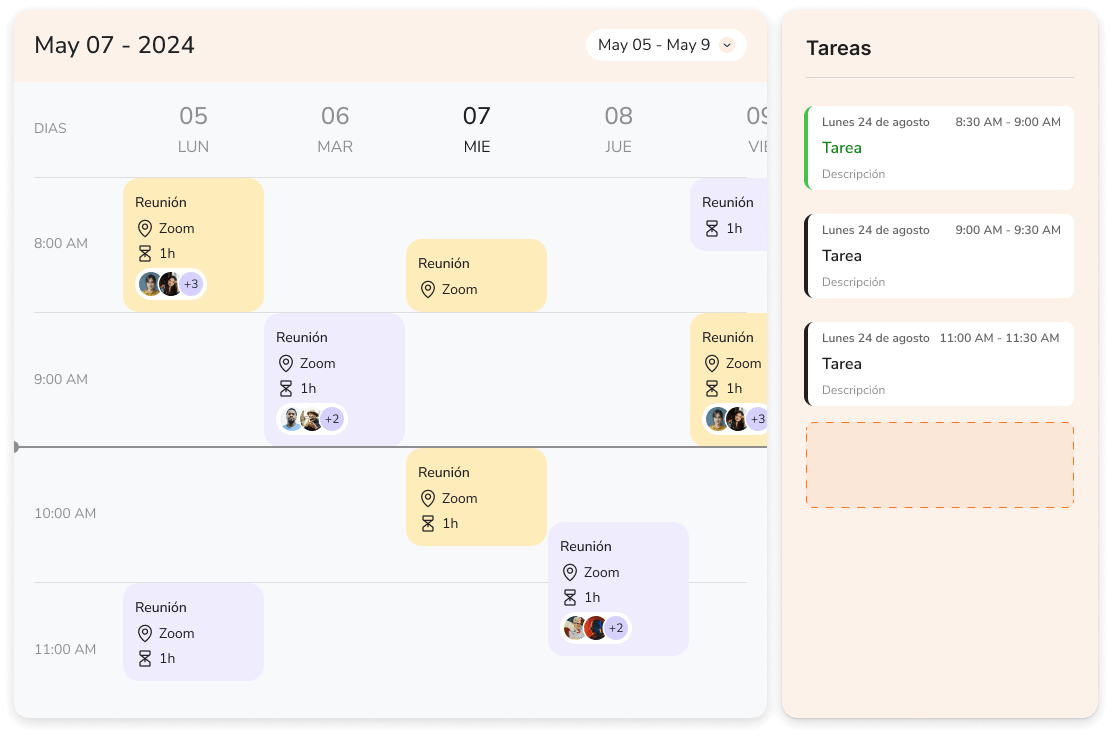
Integrated calendar
Monthly, weekly and daily view of all your business activities.
Google Calendar Sync
Bidirectional sync with Google Calendar in real time.
Meetings & calls
Log and schedule calls, demos and meetings linked to contacts.
Automatic reminders
Notifications before every activity so you are never late.
Business activities
Link tasks to CRM opportunities and keep the full context.
Team view
See your whole team's schedule and distribute the workload.
Call
Last modified Sep 12, 2025
Call
Last modified Sep 12, 2025
Call
Last modified Sep 12, 2025
Call
Last modified Sep 12, 2025
Call
Last modified Sep 12, 2025
Call
Last modified Sep 12, 2025
A calendar connected
to your CRM
Every activity logged in DannBox appears in your Google Calendar. Every Google meeting syncs back. No duplicates, no chaos.
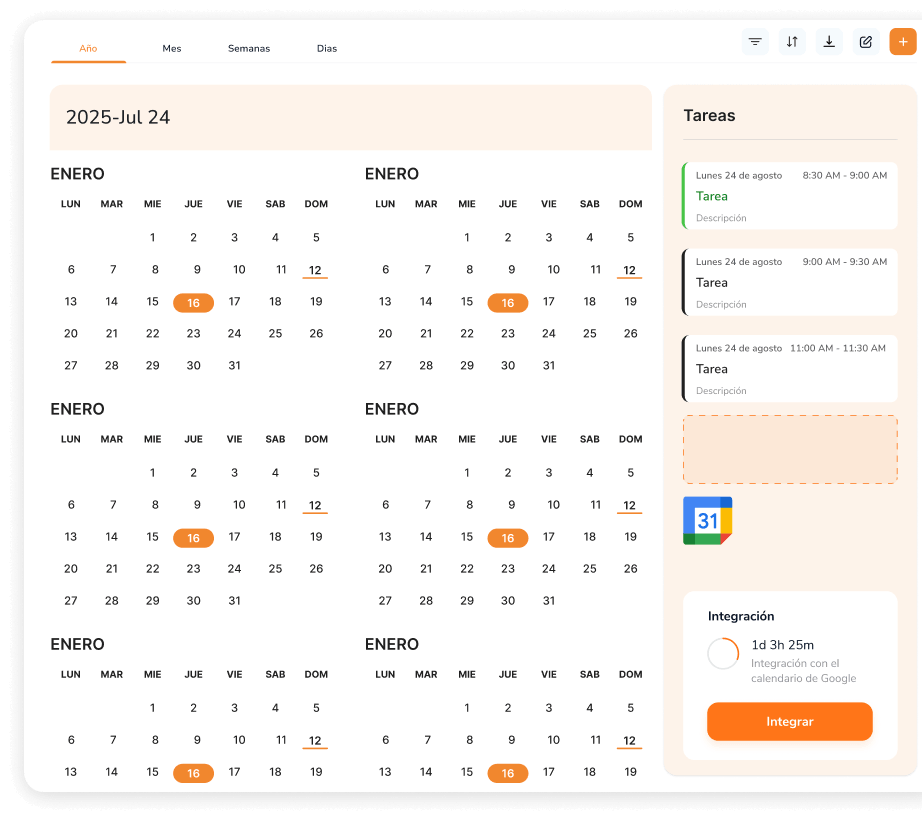
Easily sync
with Google Calendar
Built so you
never miss an appointment
Online booking
Share a personalized link and let your clients book directly based on your availability.
No overlaps
Automatic conflict detection that prevents double-booking before it happens.
Productivity metrics
Analyze weekly meetings, attendance rates and response times across your team.
Multichannel
Manage WhatsApp, email, video call and in-person activities all in one place.
Frequently Asked Questions
Yes. The sync is bidirectional and real-time: changes you make in DannBox appear in Google Calendar and vice versa.
Yes. The team view shows everyone's availability, makes it easy to assign meetings, and prevents overlaps.
Flexible pricing plans for every stage of your growth
STARTER
Everything you need to organize your schedule and never miss a meeting.
1 user included · +€3/month per extra user
€8/month for beta testers
- Calendar module
- Monthly, weekly & daily views
- Google Calendar Sync
- Automatic reminders
- CRM-linked activities
TEAM
Shared scheduling and online booking for teams that close more deals.
1 user included · +€3/month per extra user
€14/month for beta testers
- Everything in STARTER
- Team agenda view
- Personalized booking links
- Automatic conflict detection
- Multichannel meetings (video, in-person, calls)
BUSINESS
Advanced analytics and customization for operations at scale.
1 user included · +€3/month per extra user
€28/month for beta testers
- Everything in TEAM
- Advanced productivity metrics
- Multiple calendars per team
- Granular visibility permissions
- Dedicated account manager